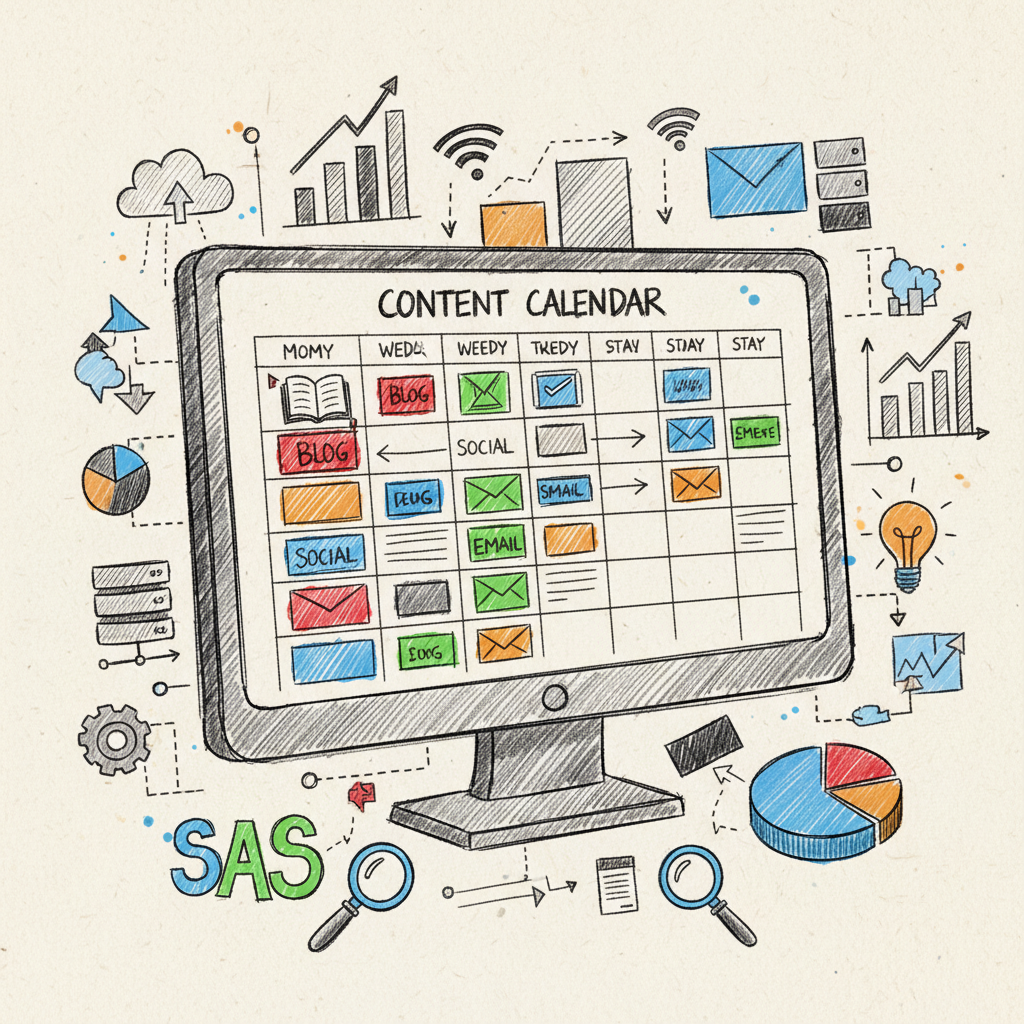
Building a Content Calendar for SaaS Success
Creating a content calendar can feel like a daunting task, especially if you're a SaaS business navigating the ever-changing landscape of digital marketing. But fear not! In this friendly guide, we’re going to break down everything you need to know about building a content calendar that will not only streamline your efforts but also set you up for long-term success. Whether you're new to the concept of a content calendar or looking to refine your current approach, this blog will provide you with all the insights, strategies, and templates you need to effectively manage your content.
What is a Content Calendar?
A content calendar is essentially a roadmap for your content marketing strategy. It outlines what content will be published, when it will be published, and on which platforms. Think of it as your content planning tool that helps you stay organized, consistent, and aligned with your business goals.
For SaaS businesses, a well-structured content calendar is vital. It ensures that you’re delivering valuable content to your audience at the right time, which can significantly impact your lead generation and customer retention efforts. By planning ahead, you can also align your content with product launches, industry events, or seasonal trends—maximizing your marketing impact.
Creating a content calendar isn’t just about filling in dates and topics; it’s about crafting a strategy that considers your audience’s needs, your business objectives, and the competitive landscape. From blog posts to social media updates, an editorial calendar keeps everything organized and in one place, making it easier for everyone on your team to align their efforts.
Why You Need a Content Calendar for Your SaaS Business
1. Consistency is Key: One of the most significant advantages of having a content calendar is consistency. Regularly publishing content helps establish your brand as a trusted source of information in your industry. For SaaS companies, where competition is fierce, being consistent can help differentiate your product and build loyalty.
2. Improved Planning: A content calendar allows you to plan your content weeks or even months in advance. This foresight helps you avoid last-minute scrambles for content and enables you to allocate resources more efficiently. For instance, if you're planning a major product update, you can schedule blog posts and social media promotions to coincide with the launch, generating buzz and interest.
3. Enhanced Collaboration: If you have a team of writers, designers, and marketers, a content calendar acts as a central hub where everyone can see what’s coming up and who is responsible for what. This transparency fosters collaboration and helps avoid duplicate efforts or miscommunication.
4. Data-Driven Decisions: With a content calendar, you can track performance metrics for each piece of content. This data is invaluable in refining your strategy over time. By analyzing which types of content resonate most with your audience, you can make informed decisions about future topics, formats, and distribution channels.
Elements of an Effective Content Calendar
When building your content calendar, there are several key elements to consider. Here’s a breakdown of what your calendar should include:
1. Content Type: Identify the type of content you will create—blog posts, infographics, videos, social media posts, etc. This diversity keeps your audience engaged and caters to various preferences.
2. Publishing Dates: Clearly mark when each piece of content will go live. This helps to keep your team on track and ensures that content is published in a timely manner, especially around important dates.
3. Platforms: Specify where each piece of content will be published—your website, social media channels, email newsletters, etc. Knowing where to publish helps tailor the content to meet the platform’s audience and format.
4. Authors and Responsibilities: Assign each piece of content to a specific team member who will be responsible for its creation, editing, and publication. This delegation ensures accountability and smooth workflow.
5. Performance Metrics: Incorporate a section for tracking engagement metrics post-publication. This could include page views, social shares, comments, or conversion rates. These insights will inform your future content strategy.
How to Create a Sample Content Calendar Template
Now that you understand the importance of a content calendar and its key elements, let’s dive into how to create a sample content calendar template. You can use various tools to manage your calendar, from simple spreadsheets to more complex project management software. Here’s a simple layout you can use:
| Date | Content Type | Title/Topic | Platform | Author | Status | Metrics |
|------------|--------------|------------------------------|------------------|-------------|-------------|--------------|
| 01/15/2023 | Blog Post | "The Future of SaaS" | Company Blog | Jane Doe | Draft | N/A |
| 01/20/2023 | Social Media | "SaaS Trends 2023" | Twitter | John Smith | Scheduled | N/A |
| 01/25/2023 | Email | "Monthly Newsletter" | Email List | Jane Doe | Published | 500 Open Rate |
This simple table format allows you to see at a glance what content is planned for each day, who’s responsible for it, and how well it performed. You can easily modify this template to include additional columns for more specific metrics, notes, or collaboration links.
Tools for Managing Your Content Calendar
While a simple spreadsheet can work wonders, there are many dedicated tools that can help streamline the process of managing your content calendar. Here are some popular options:
1. Trello: Trello is a visual project management tool that allows you to create boards and cards for each piece of content. You can easily move cards around as content progresses through different stages like ‘Ideas,’ ‘In Progress,’ and ‘Published.’
2. Asana: Asana provides a more robust project management experience, allowing you to assign tasks, set deadlines, and track progress. You can create a calendar view to see your content at a glance.
3. Google Calendar: If you prefer a simpler approach, Google Calendar can be effectively used to schedule content. You can create events for each piece of content and share it with your team.
4. CoSchedule: A dedicated marketing calendar tool that integrates with WordPress, CoSchedule allows you to plan, publish, and promote your content all in one place. It’s particularly useful for managing social media alongside your blog content.
Best Practices for Maintaining Your Content Calendar
Creating a content calendar is just the first step; maintaining it is where the real challenge lies. Here are some best practices to keep your content calendar relevant and effective:
1. Regular Updates: Schedule time each week or month to review and update your content calendar. This includes adding new ideas, adjusting deadlines, and removing outdated content. Keeping your calendar current is crucial for its effectiveness.
2. Content Reviews: Periodically review the performance of your content. Analyze which topics and formats are performing well and which are not. Use this data to inform future content creation and adjust your calendar accordingly.
3. Flexibility: While having a content calendar is essential, it’s equally important to remain flexible. Trends change rapidly in the digital space, especially in the SaaS industry. Don’t hesitate to adjust your calendar to accommodate timely topics or shifts in your business strategy.
4. Collaboration: Encourage your team to contribute ideas and feedback on the content calendar. This collaborative approach can lead to fresh ideas and diverse perspectives that enhance your content.
Content Calendar Examples for SaaS Companies
To help you visualize how a content calendar can look in action, let’s explore a couple of examples tailored specifically for SaaS businesses:
Example 1: Launching a New Feature
- Content Type: Blog Post
- Title: "Introducing Our New Feature: Enhance Your Workflow"
- Publishing Date: 02/15/2023
- Platform: Company Blog
- Author: John Doe
- Status: Draft
- Metrics: Goal of 1000 views in the first week
This piece of content coincides with a major product update, highlighting a new feature that sets your software apart from competitors. It’s a great opportunity to generate buzz and inform users about how to utilize the new feature effectively.
Example 2: Customer Success Story
- Content Type: Case Study
- Title: "How [Customer Name] Reduced Costs by 30% with Our SaaS Solution"
- Publishing Date: 03/01/2023
- Platform: Company Blog and LinkedIn
- Author: Jane Smith
- Status: In Progress
- Metrics: Aim for 500 downloads
This type of content builds credibility and showcases the real-world benefits of your software, making it a valuable addition to your marketing efforts.
How to Use Your Content Calendar for Social Media
Social media is a critical component of any SaaS marketing strategy, and your content calendar should reflect that. Here’s how to effectively integrate social media into your content calendar:
1. Cross-Promotion: Use your social media platforms to promote blog posts, webinars, and other content. Schedule posts that link back to your main content, driving traffic to your website while keeping your social channels active.
2. Engagement Posts: Don’t forget to schedule posts that encourage engagement, such as polls, questions, or quotes. These types of content can help you connect with your audience and build a community around your brand.
3. Visual Content: Incorporate visuals like infographics and videos in your social media calendar. Visual content tends to perform better on social platforms, so plan ahead to create and share these assets.
4. Timing and Frequency: Analyze when your audience is most active and adjust your posting times accordingly. Use scheduling tools like Buffer or Hootsuite to automate your posts and ensure consistency.
Common Mistakes to Avoid When Creating a Content Calendar
While building a content calendar can be a game-changer for your SaaS business, there are common pitfalls to watch out for:
1. Overloading the Calendar: It can be tempting to fill every slot with content, but quality should always take precedence over quantity. Focus on creating high-quality content that provides real value to your audience rather than simply filling the calendar.
2. Ignoring Analytics: Failing to analyze the performance of your content can lead to repeated mistakes. Always review your metrics and make adjustments based on what’s working and what isn’t.
3. Neglecting SEO: Content without proper SEO optimization is unlikely to reach its full potential. Ensure that your content calendar includes time for keyword research, on-page SEO, and backlinks to maximize visibility.
4. Lack of Flexibility: As mentioned earlier, being too rigid with your content calendar can hinder your ability to respond to current events and trends. Be open to change and ready to pivot when necessary.
Conclusion: Your Path to Content Success
Creating a content calendar is an essential step toward achieving success in your SaaS business. By planning your content strategically, you can ensure consistency, improve collaboration, and make data-driven decisions that propel your brand forward. Remember to keep your calendar flexible and continuously refine it based on performance metrics and audience feedback.
As you embark on your content planning journey, don’t forget the importance of quality over quantity. Focus on delivering valuable content that resonates with your audience, and you’ll be well on your way to building a loyal customer base. Happy planning, and here’s to your SaaS success!
FAQ
Q1: What is a content calendar?
A content calendar is a planning tool that outlines what content will be published, when, and on which platforms, helping organizations stay organized and consistent.
Q2: Why is a content calendar important for SaaS businesses?
A content calendar helps SaaS businesses maintain consistency, improve planning, enhance collaboration, and make data-driven decisions, which can lead to better engagement and growth.
Q3: What should be included in a content calendar?
A content calendar should include elements such as content type, publishing dates, platforms, authors, responsibilities, and performance metrics.
Q4: How do I create a content calendar template?
You can create a content calendar template using a simple table format in spreadsheets or utilize project management tools like Trello or Asana for a more visual approach.
Q5: What are some common mistakes to avoid when creating a content calendar?
Common mistakes include overloading the calendar with content, ignoring analytics, neglecting SEO, and lacking flexibility to adapt to changes.
Q6: How can I use my content calendar for social media?
Integrate social media by scheduling posts that promote your primary content, encourage engagement, incorporate visuals, and adjust posting times based on audience activity.